Document overview
Operator's manual for SAME iMonitor Gen4 H6 – Interface from the Tractor components – System family. Digital PDF in English, 126 pages.
The original table of contents contains 47 sections and 184 detailed topics, providing a clear view of the systems and procedures covered by this edition.
- Ownership of information
- INTRODUCTION
- GETTING STARTED WITH THE IMONITOR
- PRELIMINARY PROCEDURES
- MONITORING PROCEDURES
- TRACTOR SETTINGS
- PERFORMANCE MONITOR
- UNIVERSAL TERMINAL
- TIM SYSTEM
- DATA MANAGEMENT
Document details
- Brand: SAME
- Family: Tractor components – System
- Model: iMonitor Gen4 H6 – Interface
- Document type: Operator's manual
- Language: English
- Pages: 126
- File size: 16.40 MiB
- Format: Digital PDF download
Compatibility
Before purchasing, verify that the model and starting serial number of your machine match iMonitor Gen4 H6 – Interface.
Complete table of contents
- Ownership of information
INTRODUCTION
- Glossary of terms
This manual
- Introduction
- Changes introduced in this version of the manual
- Intended recipients of this manual
- Service
- Warranty
- Units of measurement used in this manual
GETTING STARTED WITH THE IMONITOR
Look and feel
- Console power LED
- What does the iMonitor do?
Screen elements
- Organisation
- Dashboard
- Work area
- Shortcut keys to favourite functions
Navigating iMonitor
- Open the dashboard
- Navigate settings pages
Common behaviours
- Working in iMonitor screens
- Changing a value in a field
- Select an item from a list
Application description
- The applications managed by iMonitor
- Monitoring
- The Performance Monitor
- The Universal Terminal
- Tractor settings
- General settings
- Data Management
PRELIMINARY PROCEDURES
- Settings panel
Help function
- Display Help information
- Customise shortcut bar with favourite functions
Customize the home screen
- Create a new screen
- Edit a screen
- Delete a screen
Region settings
- Language settings
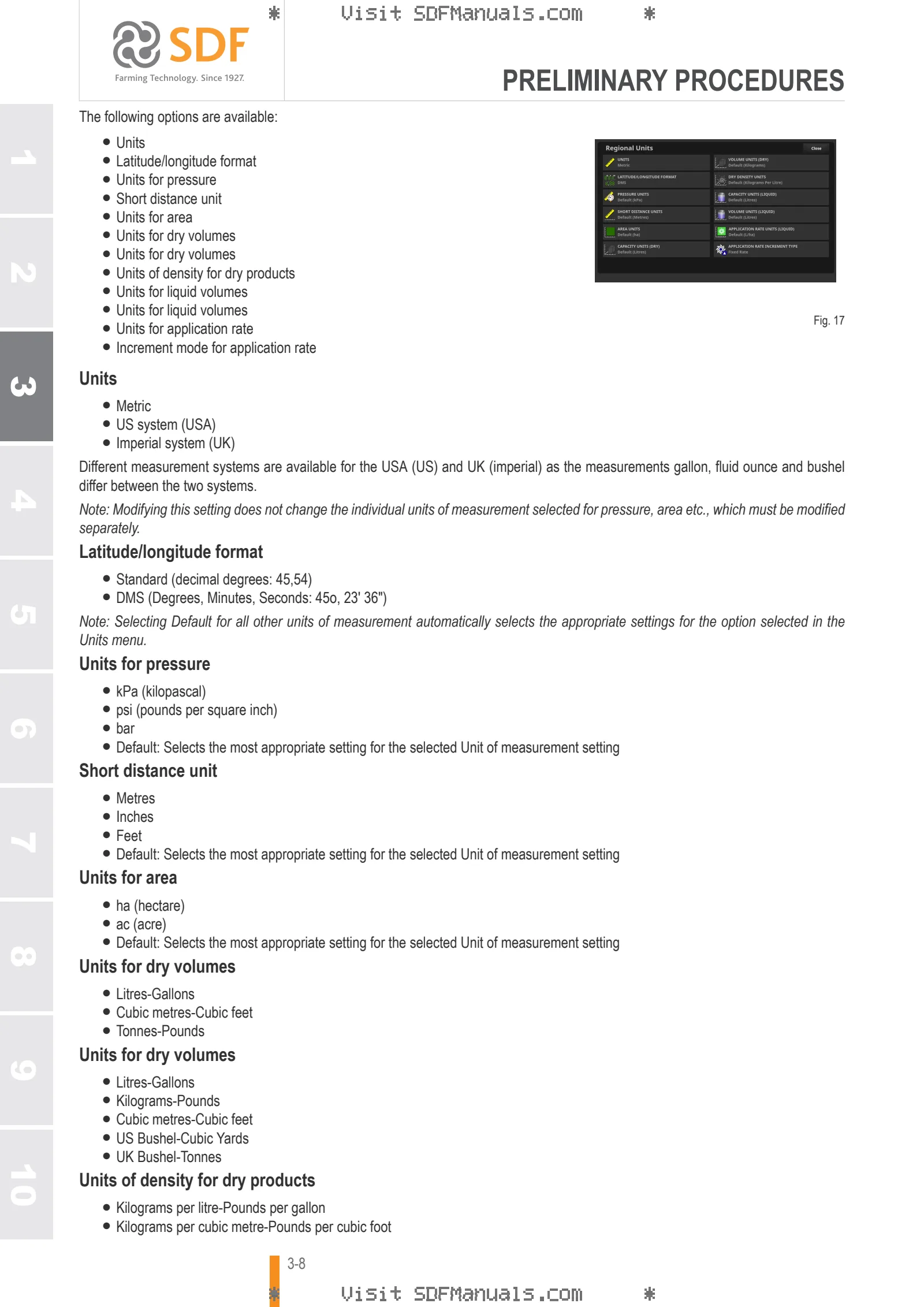
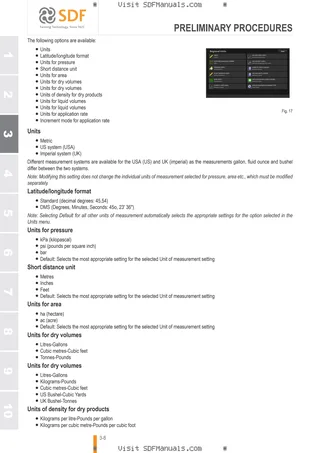
- Units setup
- Time and date settings
- Setting access level
- Lightbar setup
- Setting up Map
- Environment configuration
Setting the system
- ISOBUS settings
- General
- Task Controller settings
- Universal terminal configuration
- Customize your notification display
Setting video camera function
- Enable/disable video cameras
MONITORING PROCEDURES
Monitor tractor status
- Display information
- Information about tractor status
Visualise data on the control units
- Display information
- Display the tutorial and manual
- View the software installed on the control units
- Visualise the control units’ error messages
- Error message description
- Viewing GPS information
- Viewing job information
Requesting assistance via the remote assistance function
- Introduction
- Limitations of remote assistance
- Prerequisites
- Supported Wi-Fi devices
- Wireless connection functions
- Procedure for activating remote assistance
TRACTOR SETTINGS
Setting the Powershift transmission
- Set cruise speed
- Setting engine memories
- Setting transmission mode
- Setting range and gear
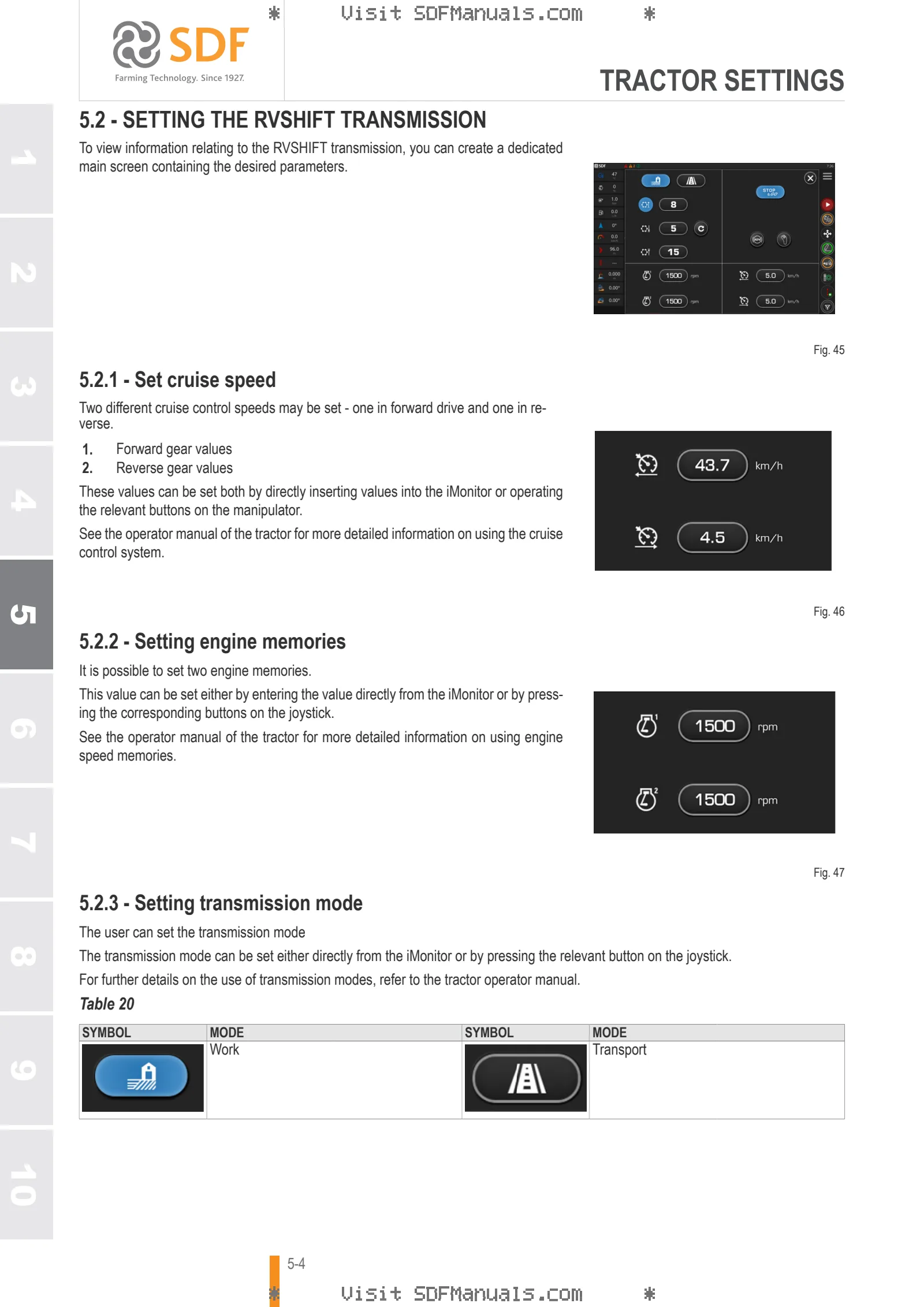
Setting the RVShift transmission
- Set cruise speed
- Setting engine memories
- Setting transmission mode
- Setting range and gear
- Setting the Stop&Go function
Configuring the continuously variable transmission
- Set cruise speed
- Set engine memories
- Set transmission modes and engine rpm deviation
- Setting PTO mode activation
- Setting tractor start speed
Set automatic traction control
- Display information
- Status of the traction control system
- Front wheel drive setting parameters
- Settable parameters for differential lock system
- Setting the steering control system (Easy Steer)
- Enabling the ASM system
- Automatic slippage control system
Setting and using work sequences (ComforTip)
- Display information
- Creating a new process sequence
- Setting activation of steps in a sequence
- Work sequence activation function
- Displaying a process sequence
- Creating a new process sequence
- Operations executable in a work sequence
- Executing a process sequence
- Available actions
Setting hydraulic distributor operation
- Display information
- Distributor information
- Distributor operating modes
- Status of distributors
- Assigning a distributor to a control in the cab
- Assigning a distributor to an external control
- Set the distributor flow control
- Setting priority distributor
- Setting distributor operation
- Setting the flow ratio
Set the front lift control functions.
- Display information
- Position and status of front lift
- Front lift settings
- Setting manual operating mode
- Setting and operating the lift in single/double acting mode
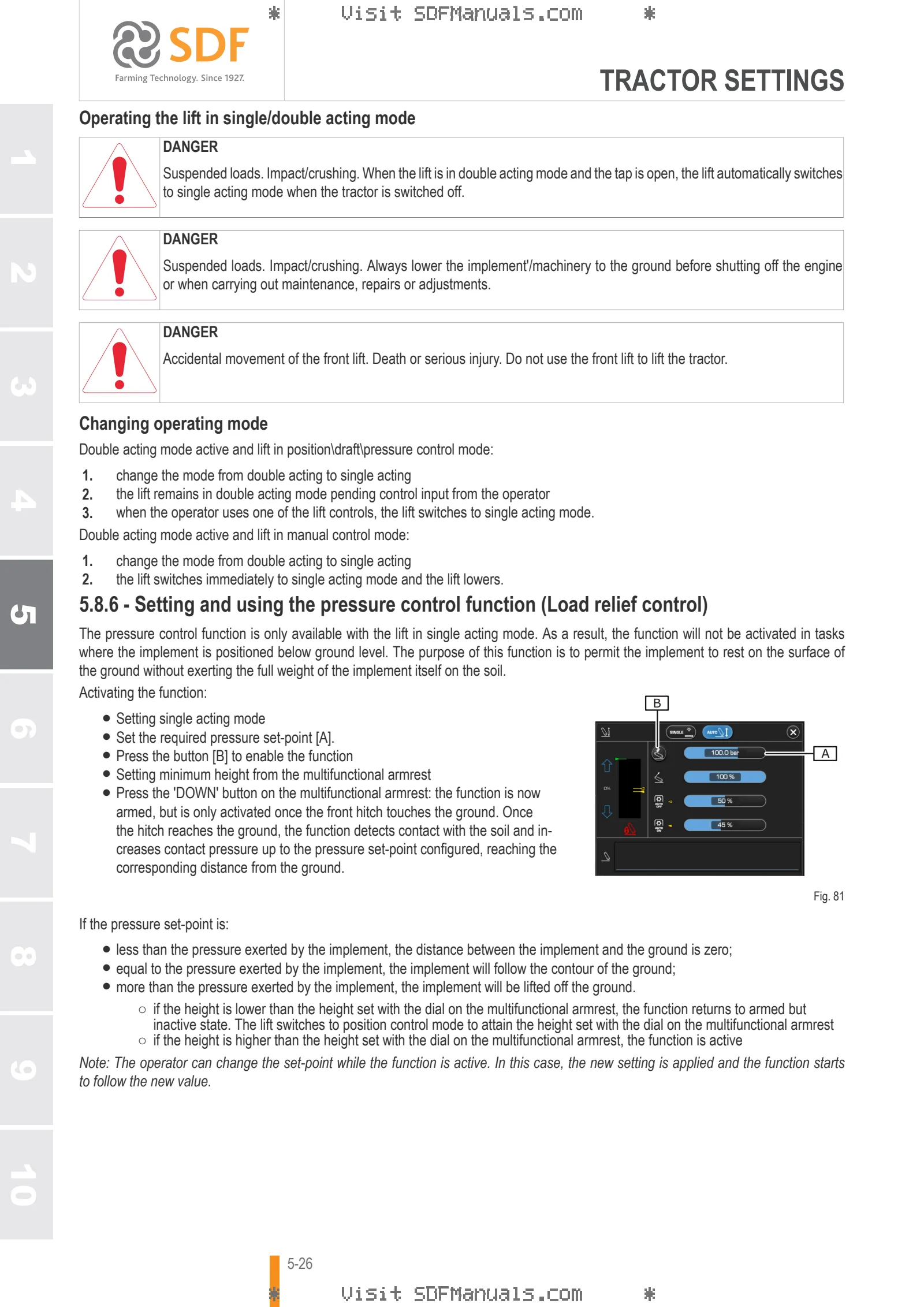
- Setting and using the pressure control function (Load relief control)
Setting rear lift control functions
- Display information
- Rear lift position and status
- Rear lift settings
- Hydraulic stabilizer settings
Save tractor settings
- Display information
- Tractor settings
- Available controls
PERFORMANCE MONITOR
Working with the Performance Monitor
- Display information
- Process data
- Searching for a process
- Display setting data for a specific process
Display process data with the Performance Monitor
- Display information
- Displayed process data
Recording process date with Performance Monitor
- Display information
- Creating and setting a new process
- Start/stop the recording
- Setting automatic recording
- Saving and sharing process data
- Export process data
UNIVERSAL TERMINAL
Common functions of Universal Terminal
- Introduction
- Initial acquisition of implement information
- Cancelling settings
Auxiliary controls page
- Display information
- Work area
- Functions
- Configurable tractor controls
- Tractor control status
- Non available tractor functions
Procedures for auxiliary controls
- Setting tractor controls to control connected implements
- selecting the tractor controls to be used as implement controls
- Associating controls to functions of the connected implement
- Restoring tractor functions
TIM SYSTEM
Presentation of the TIM system
- What is TIM?
- Available functions
- TIM architecture
- Components involved
- How the TIM system works
TIM system page
- Display information
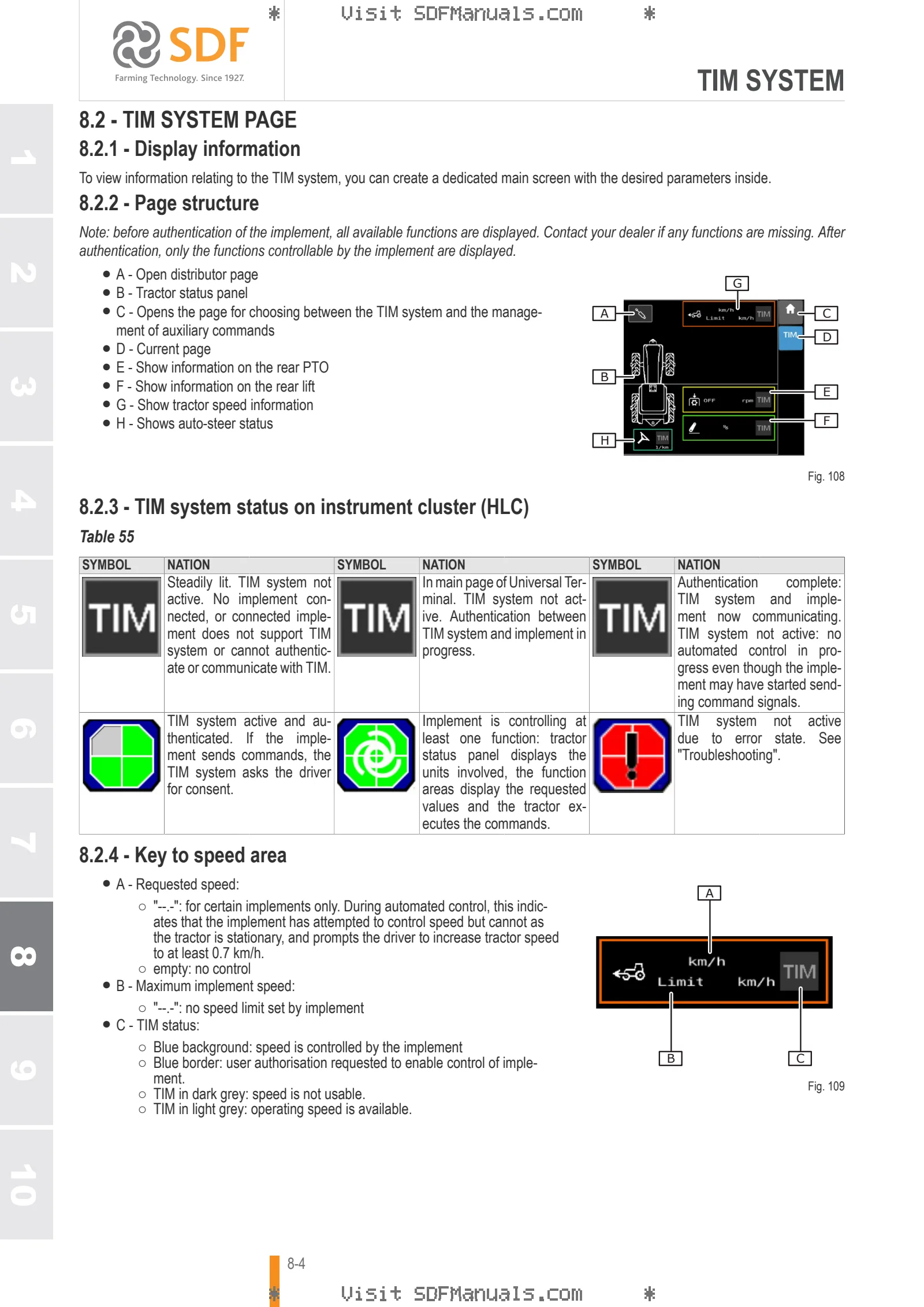
- Page structure
- TIM system status on instrument cluster (HLC)
- Key to speed area
- Key to PTO area
- Key to lift area
- Key to hydraulic distributors area
- Auto-steer status
- Function status
Installing a new implement
- Install the new implement
- Configuring the new implement
Conditions necessary for automated control
- Tractor behaviour
- Tractor control priority
- Tractor controls ignored by implement
- Limit compliance
- Speed control safety restrictions
- PTO control safety restrictions
- Conditions necessary to initiate automated speed control
- Conditions necessary to initiate automated PTO control
- Conditions necessary to initiate automated hydraulic distributor control
- Conditions necessary to initiate automated lift control
- Conditions necessary to initiate automated auto-steer
Managing consent conditions
- Consent window
- Rejecting automated control
- Description of the consent notification
- Accepting/rejecting commands
Working procedures
- Activating/deactivating the TIM system
- Checking the status of other distributors
- Disabling/interrupting automated speed control
- Disabling/interrupting automated PTO control
- Disabling/interrupting automated control of the hydraulic distributors
- Disabling/interrupting automated control of the lift
- Conditions for interruption of the Auto-steer automation
Examples of automated control
- Example of automated distributor and speed control (roto-baler)
Troubleshooting
- TIM system status
- Controlled function states
DATA MANAGEMENT
Data Management
- Task Management Menu
- Completed tasks menu
- User information
- Vehicle settings
- The procedure for downloading the tasks is described below.