Document overview
Operator's manual for HURLIMANN iMonitor 2.0 from the Tractor components – System family. Digital PDF in English, 95 pages.
The original table of contents contains 8 sections and 42 detailed topics, providing a clear view of the systems and procedures covered by this edition.
- Glossary of terms
- About this manual
- Getting started with the iMonitor
- Preliminary procedures
- Monitoring procedures
- Tractor settings
- Performance Monitor
- Universal Terminal
- TIM system
- Appendices
Document details
- Brand: HURLIMANN
- Family: Tractor components – System
- Model: iMonitor 2.0
- Document type: Operator's manual
- Language: English
- Pages: 95
- File size: 17.88 MiB
- Format: Digital PDF download
Compatibility
Before purchasing, verify that the model and starting serial number of your machine match iMonitor 2.0.
Complete table of contents
- Glossary of terms
- About this manual
Getting started with the iMonitor
- Look and feel
- Screen elements
- MMI controller
- Navigating iMonitor
- Common behaviours
- Application description
Preliminary procedures
- Help function
- Setting the MMI controller functions
- Customising the dashboard
- Set user data
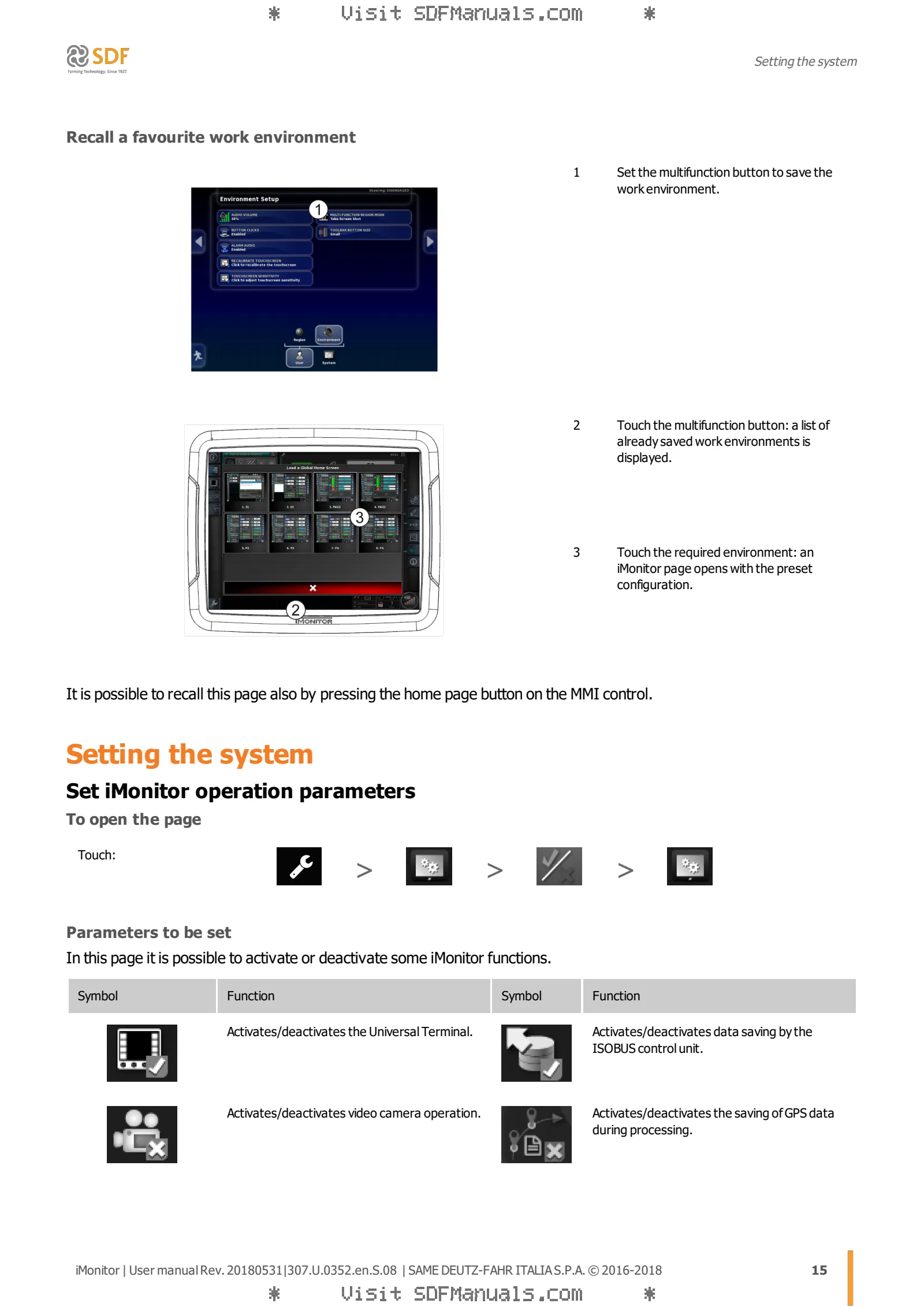
- Set the work environment
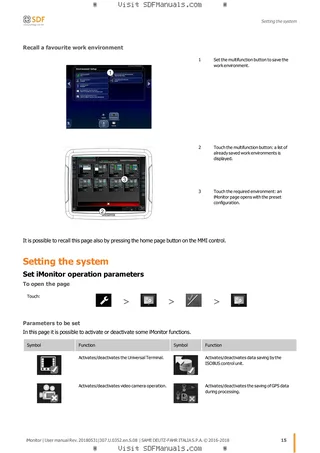
- Setting the system
- Setting camera functions
- Using the video cameras
Monitoring procedures
- Monitor tractor status
- Visualise data on the control units
- Requesting assistance via the remote assistance function
Tractor settings
- Setting the continuously variable transmission
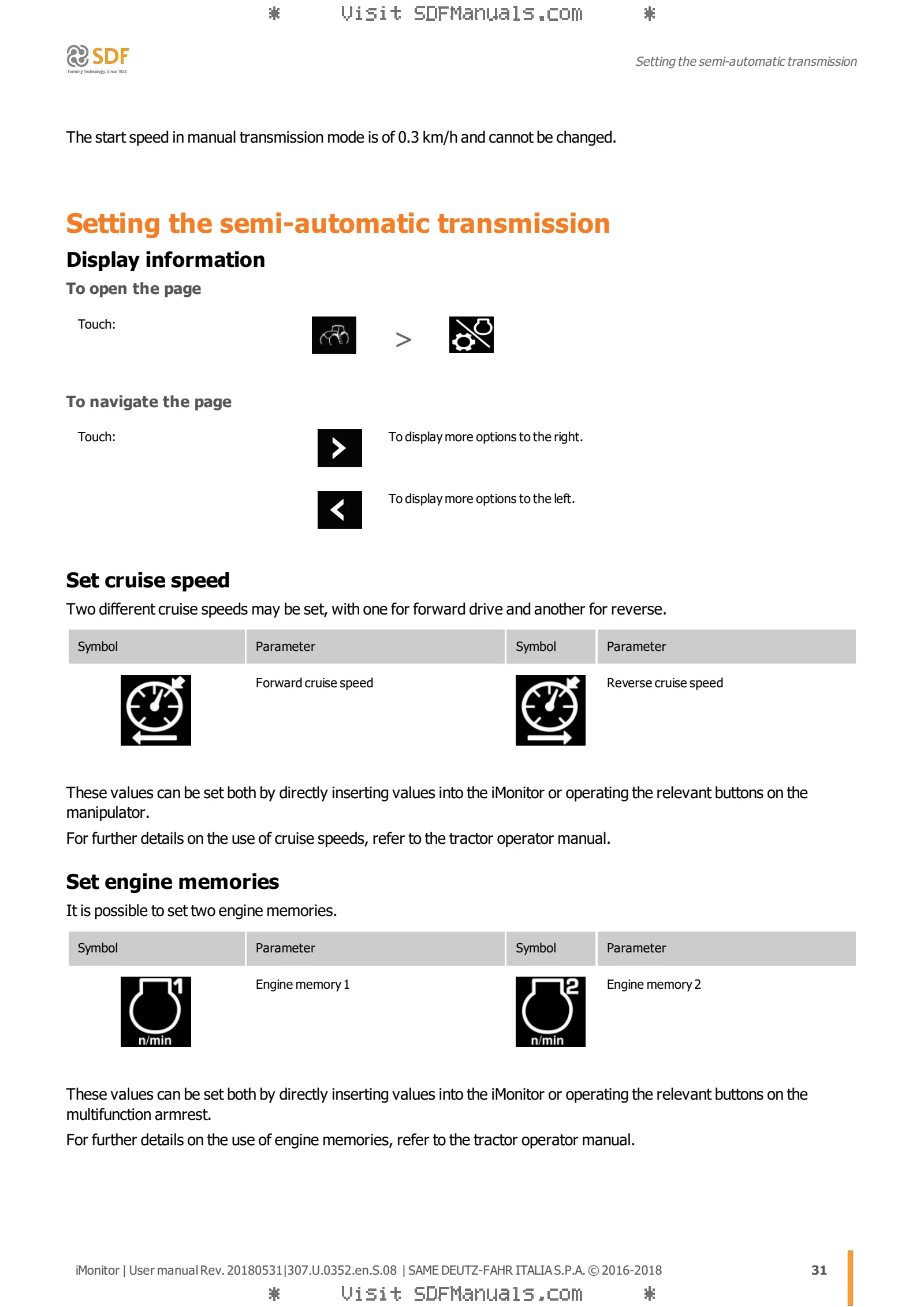
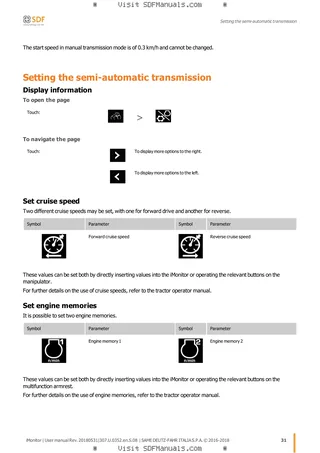
- Setting the semi-automatic transmission
- Set automatic traction control
- Setting and using work sequences
- Setting hydraulic distributor functions
- Setting front lift control functions
- Setting rear lift control functions
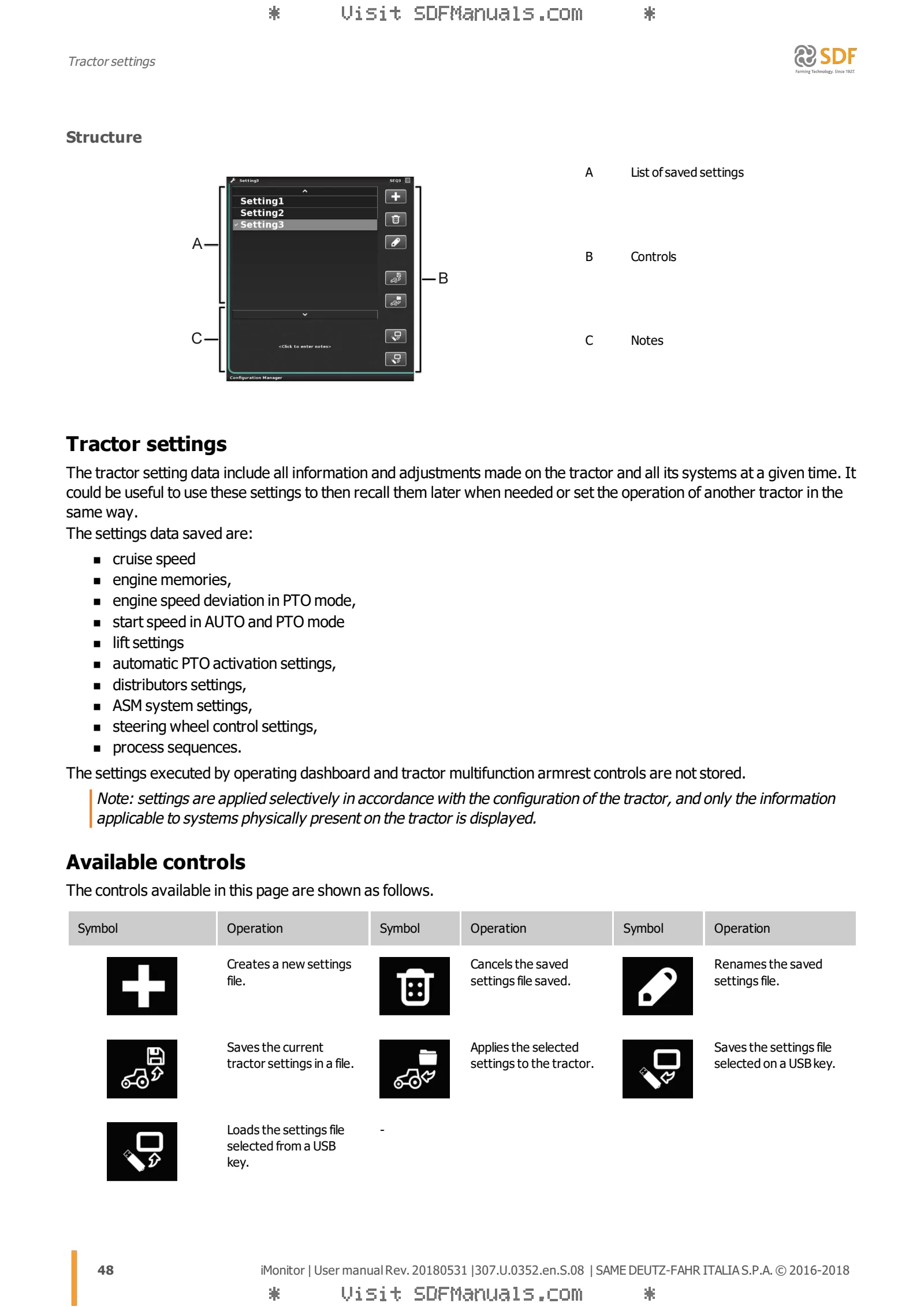
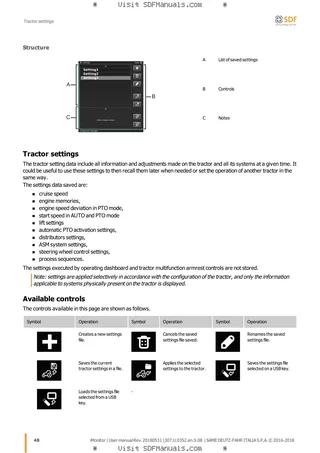
- Save tractor settings
Performance Monitor
- Working with the Performance Monitor
- Display process data with the Performance Monitor
- Recording process date with Performance Monitor
Universal Terminal
- Common functions of Universal Terminal
- Auxiliary controls page
- Procedures for auxiliary controls
- Implement page
TIM system
- Presentation of the TIM system
- TIM system page
- Conditions necessary for automated control
- Managing consent conditions
- Working procedures
- Examples of automated control
- Troubleshooting
Appendices
- Status LED combinations